💰 Place a Cache Bid
Reserve cache space for an active program. Manual bids use your connected wallet's ETH. First activate the program if needed.
Step 1: Open the Cache tab
In My Contracts, select the contract and open Cache. Check that the address is correct and the status is Not Cached.
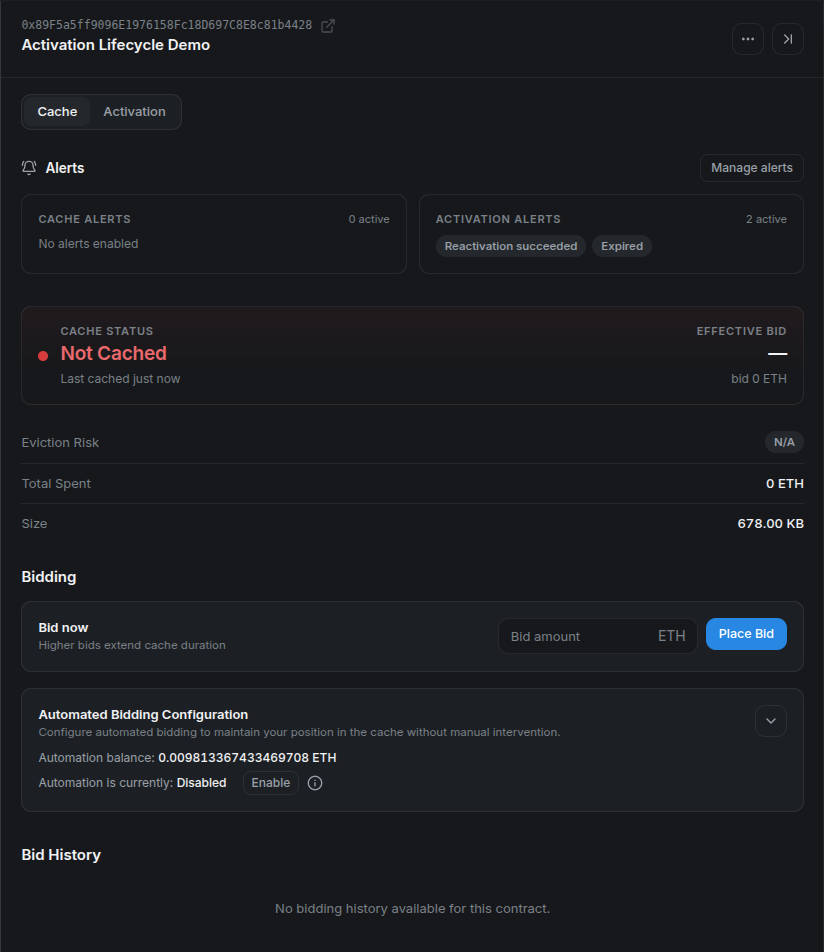
Step 2: Review the minimum and enter a bid
In Bid now, review the current suggestions and choose an amount at least equal to the current minimum. Suggestions are guidance about auction pressure, not a guaranteed cache lifetime.
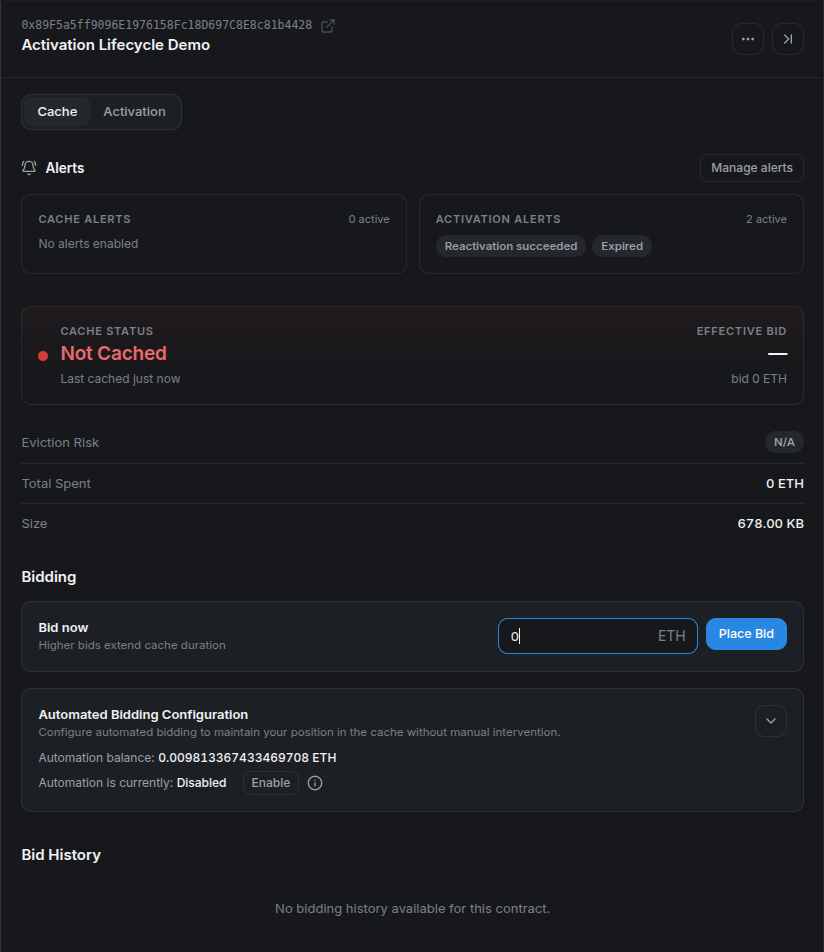
The recorded local example uses 0 ETH because there was available space. Your network may require a positive bid. Even a zero-value bid requires transaction gas.
Step 3: Confirm and verify
Select Place Bid, switch the wallet network if prompted, and confirm the transaction. After its receipt, verify Cached and the Manual Bid entry in Bid History.
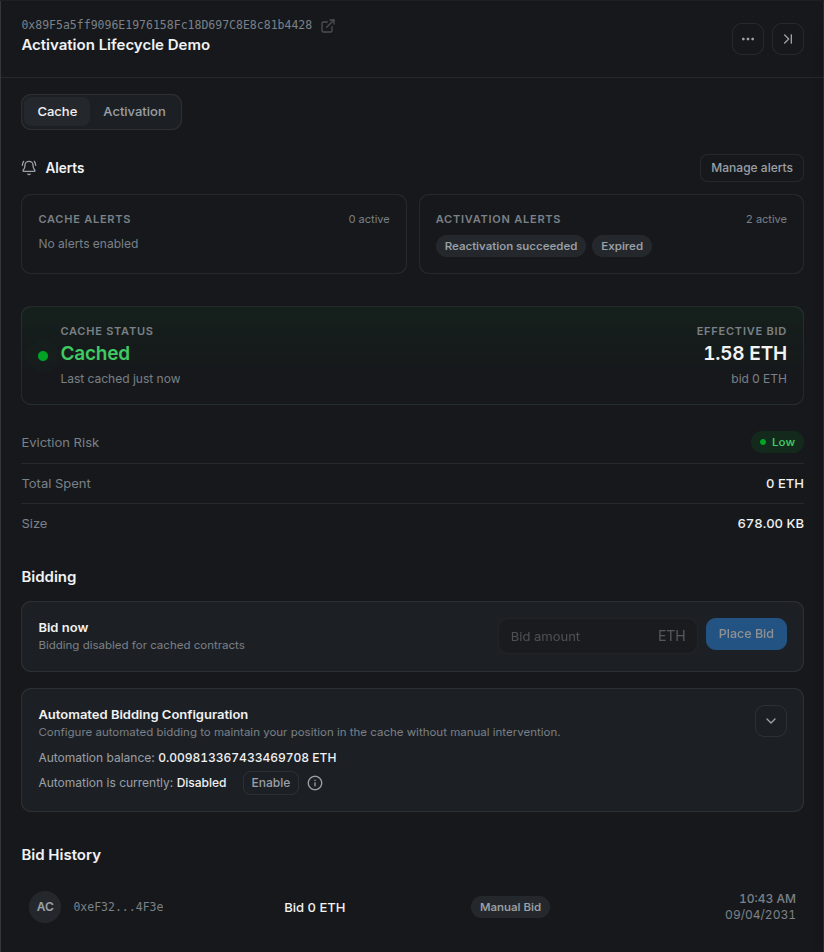
Manual bidding is disabled while the codehash is already cached. If a bid fails because the auction moved, refresh the minimum before trying again. If the contract is later evicted, it can still execute while its activation remains valid.
Next: Cache Bid Automation, Alerts, or the full caching tutorial.